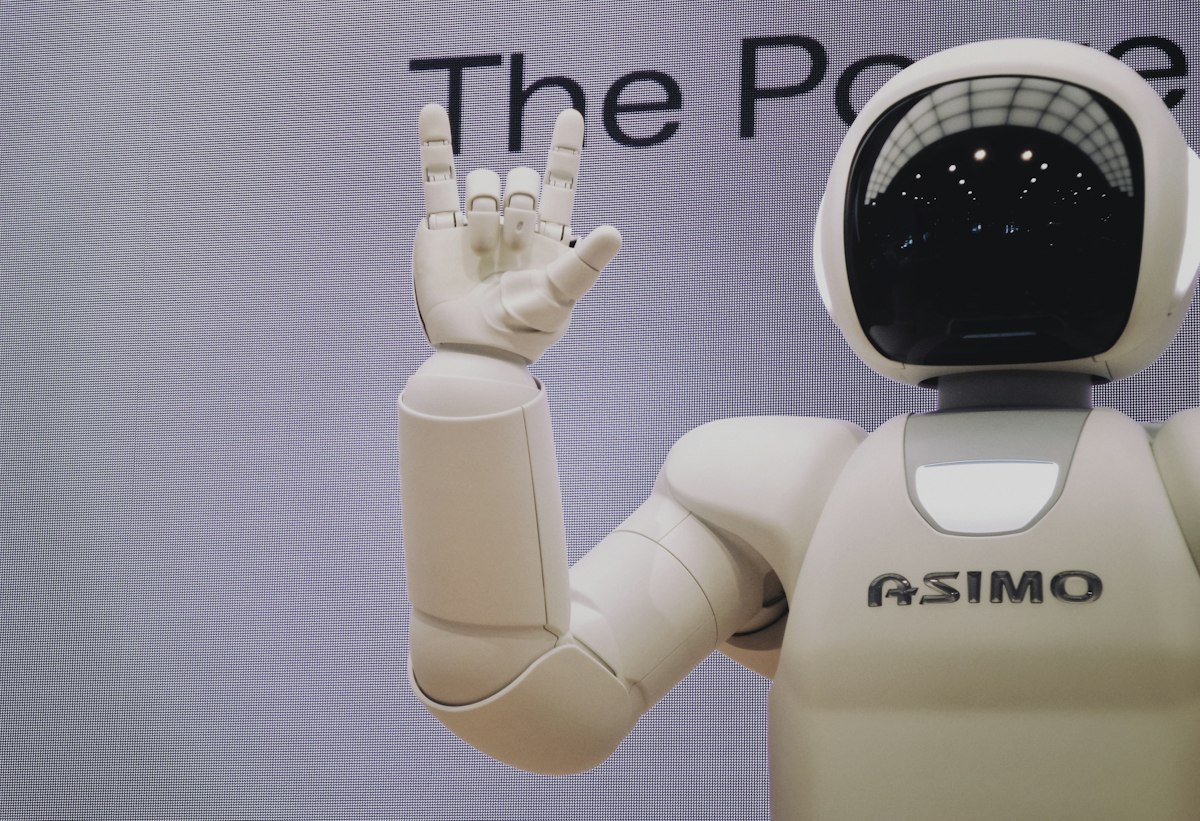
Why brand voice matters for AI
A chatbot that sounds like it was assembled by committee signals to customers that you haven't thought carefully about the experience. A bot that matches your brand's warmth and vocabulary feels like a natural extension of your team.
The AnswerMind AI persona settings
In your dashboard, go to Bot Settings → Persona. Configure bot name, opening message, tone, and system instructions.
Tone spectrum
- Legal / Finance / Healthcare: Professional, precise, conservative.
- SaaS / Tech: Friendly but knowledgeable.
- E-commerce / DTC: Warm, upbeat, emoji-friendly.
Custom fallback messages
A bad fallback: "I don't have information on that." A good fallback: "That's a great question — let me connect you with someone on our team who can give you a proper answer."
Testing your persona
Test with: a question the bot knows, a question it doesn't, a rude message, and a multi-part question.
Common mistakes
- Being too formal for a casual brand.
- Overly long opening messages.
- No human escalation path.
- Forgetting to update after content changes.


